Google Advertising
Cost Per Lead vs Cost Per Booked Job
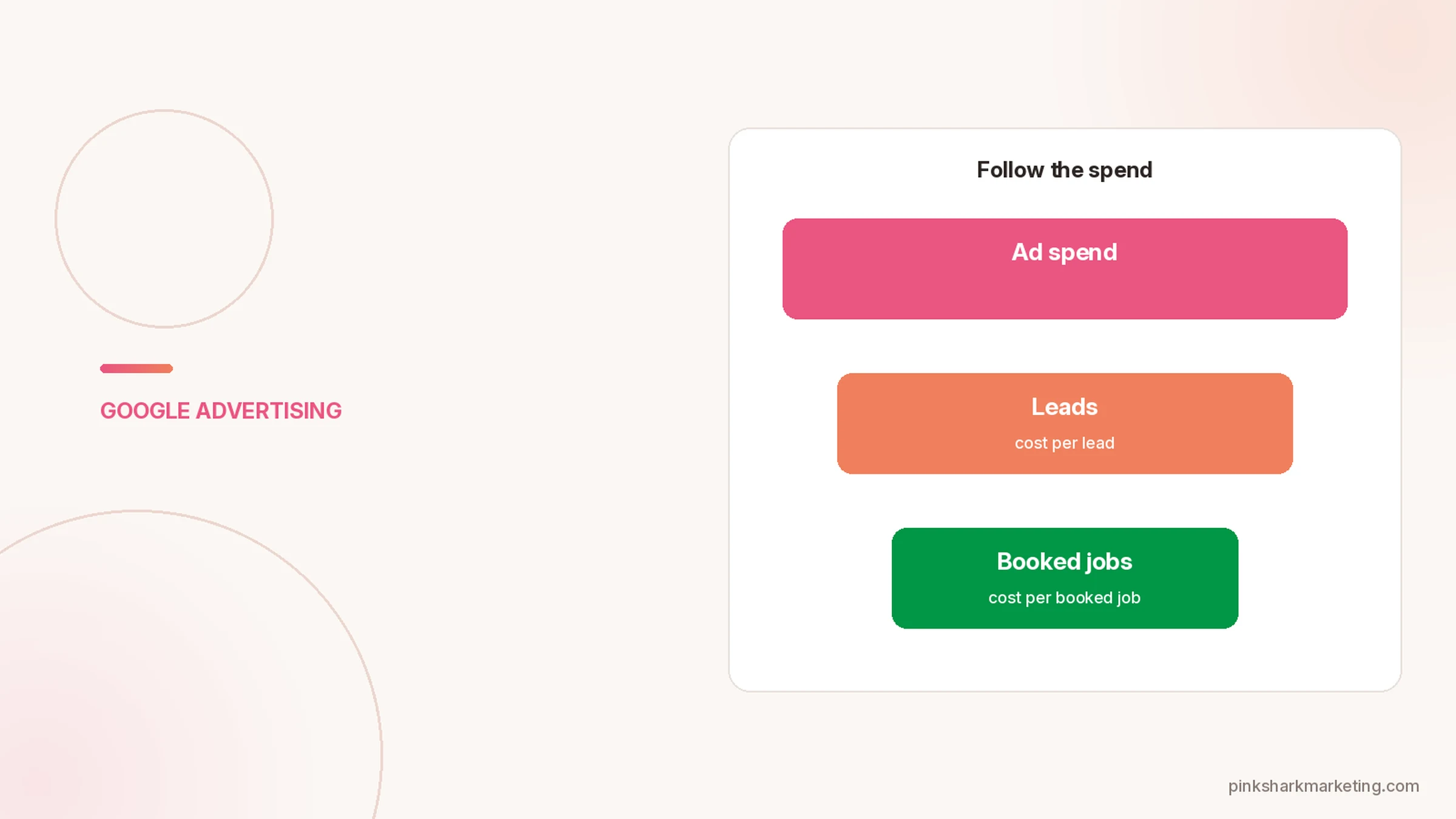
Two campaigns can spend the same money in a month and both look fine in the ad account. One brings in a pile of cheap form fills. The other brings in fewer, pricier ones. If you stop at cost per lead, the first campaign wins. If you follow the leads to the schedule, the answer can flip.
Cost per lead tells you what it costs to get a form, a call or a chat. Cost per booked job tells you what it costs to get work on the calendar. A service business needs both numbers, and it needs to know which one it’s looking at.
What cost per lead actually measures
In Google Ads, the number most people mean by cost per lead is the “Cost / conv.” column. Google’s help page defines it as your total cost divided by the number in your “Conversions” column. Only eligible interactions go into that math, so clicks that can’t be tracked for conversions are taken out.
The bottom half of that fraction is a choice. The “Conversions” column counts your primary conversion actions, and Google notes it may include modeled conversions where not every conversion can be observed. If a newsletter signup, a 10-second call and a real quote request are all set as primary, they all count as a “lead,” and the cost per lead drops without anything getting better.
Counting settings matter too. For each action you can count every conversion after an ad click, or only one. Google’s counting page says “One” usually fits leads, since one unique lead per click is what adds value. “Every” is the default for website actions, so a person who submits your form twice can show up as two leads unless someone changed it.
What cost per booked job measures
Cost per booked job is the same spend divided by the leads that turned into scheduled work. Most ad platforms can’t see that step on their own. The booking happens on the phone, in the CRM or in your dispatch software.
So the number lives in one of two places. You can work it out by hand each month: ad spend from the platform, booked jobs from the CRM, filtered to leads that came from ads. Or you can send the booked-job event back into Google Ads as an offline conversion, so the platform sees it next to the click.
The manual version is fine for a small account. What matters is that the CRM records where each lead came from. A booked job with no source can’t be counted toward any campaign.
A worked example (fictional numbers, not a client)
A plumbing company in Riverside spends $3,000 on each of two campaigns in a month.
- Campaign A brings in 60 leads, so cost per lead is $50. Fifteen of those turn into booked jobs, so cost per booked job is $200.
- Campaign B brings in 40 leads, so cost per lead is $75. Twenty turn into booked jobs, so cost per booked job is $150.
On cost per lead, A looks better by $25. On cost per booked job, B is $50 cheaper per job. If the office also noticed that A’s leads were mostly people asking how to fix a running toilet themselves, that explains the gap.
These numbers are made up to show the math. They’re not benchmarks, and your own close rates will be different.
How to get booked jobs back into Google Ads
If you haven’t set up offline conversion import yet, Google recommends starting with enhanced conversions for leads instead. Its import guidelines page calls it an upgraded offline conversion import that is easier to set up. As of April 2026, Google says enhanced conversions for web and for leads were combined into one setting.
Whichever route you use, a few rules from that page are worth knowing before the first upload:
- Timing. Offline conversions uploaded more than 90 days after the last click won’t be imported. For enhanced conversions for leads, the limit is 63 days.
- Delay. Imported conversions take about 3 hours to show up, and they appear in the “Conversions” columns.
- Duplicates. The same conversion won’t be imported twice if it has the same identifier, conversion name, date and time.
- Checking. To confirm imports are working, use the “All conv. (by conv. time)” column, which reports by the date of the conversion.
Customer data uploads also come with policy and consent rules. Read them before you send anything, and if you aren’t sure what you’re allowed to share, ask your own attorney. This post isn’t legal advice.
Why the two numbers drift apart over time
Google reports its primary conversion columns by the time of the click, not the time of the conversion. A booked job imported this week for a click two weeks ago lands back on that earlier date. So last week’s cost per booked job will look high on Monday and drop as the bookings come in.
For a fair read, compare full months, or wait until most of your typical lead-to-booking time has passed. A roofer whose estimates take three weeks to close shouldn’t judge last Tuesday’s spend on Wednesday.
Which number to bid on
Target CPA bidding uses the “Conversions” column. Google’s help page says the Include in “Conversions” setting decides which actions show up in that column, and bid strategies like Target CPA only optimize toward the conversions included there.
That gives you a real choice. Bid on leads and the system looks for more leads, cheap ones included. Bid on booked jobs and it looks for people who book, but you’ll have fewer conversions to work with, and they arrive later. Google suggests judging Target CPA performance over periods with at least 30 conversions. A small shop with eight booked jobs a month may not get there on booked jobs alone.
One middle path: keep qualified leads as the primary action for bidding, import booked jobs as a secondary action so you can see them, and review cost per booked job by campaign every month. Move to bidding on booked jobs once the volume and the import are steady. That’s a practical approach, not a Google rule.
One warning from the same page: setting a target that’s too low can cost you conversions, because the system may skip clicks that would have turned into jobs.
The same gap on Meta and TikTok
Lead ads on Meta and TikTok have the same problem. Their reports usually show what a form or click cost, based on the event you asked them to count. A homeowner can submit a short in-ad form in a few seconds, and nobody at the shop knows if they meant it until someone calls. Track booked jobs by source in your CRM for every platform, not just Google.
What to set up this month
- Make a short list of what counts as a lead: a form with a real job, a call past a minimum length, a booked estimate. Leave the rest as secondary.
- Set lead actions to count “One” per click unless you have a reason not to.
- Make sure the CRM stores the lead source, the click ID where you have it, and a booked date.
- Pick a monthly report with spend, leads, booked jobs, cost per lead and cost per booked job, by campaign.
- Decide when you’d be ready to import booked jobs, and who owns that upload.
If you want help connecting ad spend to booked work, see Google Ads management or CRM automation. For cutting low-intent searches before they become cheap, useless leads, read Google Ads match types. Or contact Pink Shark.
FAQ
What is cost per lead in Google Ads?
Usually it’s the “Cost / conv.” column, which Google defines as total cost divided by the number in your “Conversions” column. It’s only a cost per lead if the primary conversion actions are real leads.
What is a good cost per lead for a service business?
There’s no single honest number. It depends on the trade, the market, the job size and how your leads close. Compare your own cost per lead and cost per booked job month over month instead of chasing a benchmark.
How do I track cost per booked job?
Divide ad spend by the booked jobs that came from those ads. You can do it by hand with your CRM, or import booked jobs into Google Ads as offline conversions or through enhanced conversions for leads. Uploads more than 90 days after the click (63 days for enhanced conversions for leads) won’t import.
Should I bid on leads or booked jobs?
Booked jobs are closer to revenue, but they come later and in smaller numbers. Google suggests at least 30 conversions when judging Target CPA performance, so a small account can bid on qualified leads and watch booked jobs as a secondary action until volume grows.
Want a second set of eyes on your marketing?
Tell us about your business and we’ll set up a strategy session.