Google Local Services Ads Management: A Practical Guide

Search “electrician near me” and you’ll often see a few boxes up top, above the regular ads. Those are Local Services Ads, and Google Local Services Ads management starts with knowing what they show: a business name, a rating, a badge, your hours and a call button, and that’s about it. No headline to write. No keyword list.
Owners love how simple that is. It’s also why these accounts rot. Somebody sets it up, flips it on and forgets about it, and six months later leads are down, the hours are wrong, a job type nobody offers anymore is still switched on, and nobody can say why.
This guide covers how LSA works and what managing it means in practice, week to week.
How Local Services Ads are different from regular Google Ads
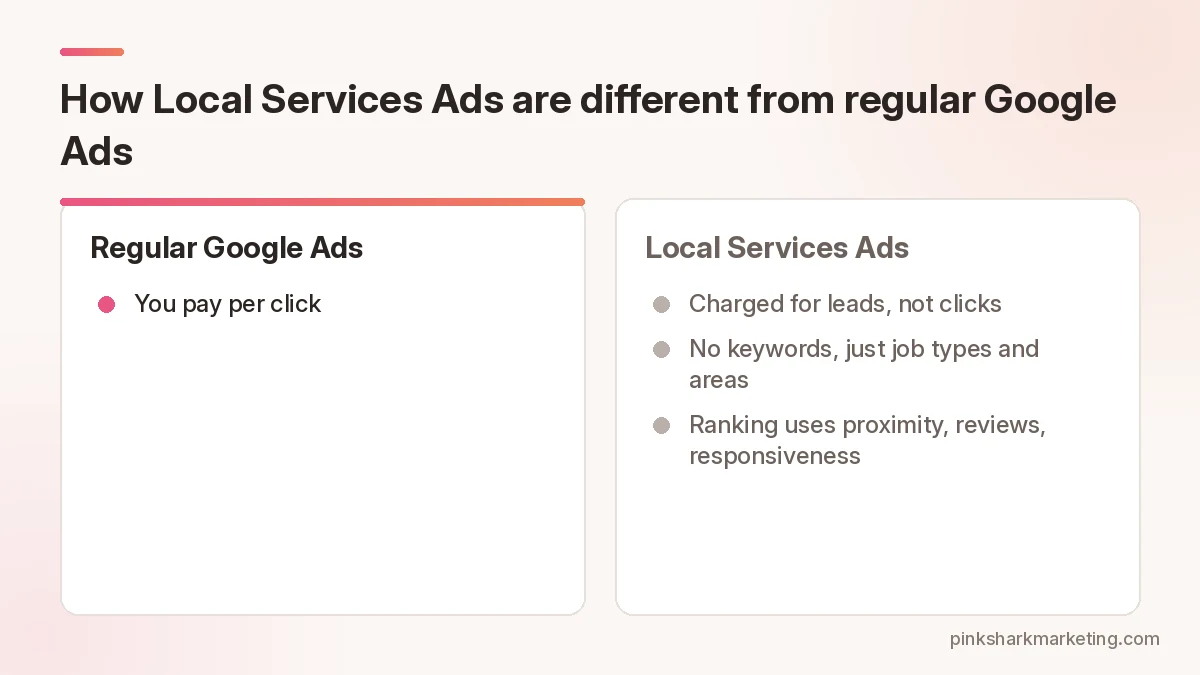
Normal search campaign? You pay per click. With Local Services Ads, Google says you’re generally charged for leads, such as a call or message from a customer about your services, not for clicks or impressions.
No keywords. You choose the job types you offer and the areas you serve, and Google matches you to searches. Your ranking among other LSA advertisers is based on things like your proximity to the customer, your reviews, how responsive you are, your business hours and whether you’ve had serious complaints. Your bid plays a part too. There are three bid modes: Maximize leads, Target cost per lead, and Max per lead, which is manual. Google recommends Maximize leads for most advertisers. You set an average weekly budget, and Google says you will never spend more than your monthly max.
And you don’t just sign up and go. Depending on your trade and country, Google may want background checks, a license check and proof of insurance before anything goes live. Clear those and you get the Google Verified badge on the ad.
The Google Verified badge
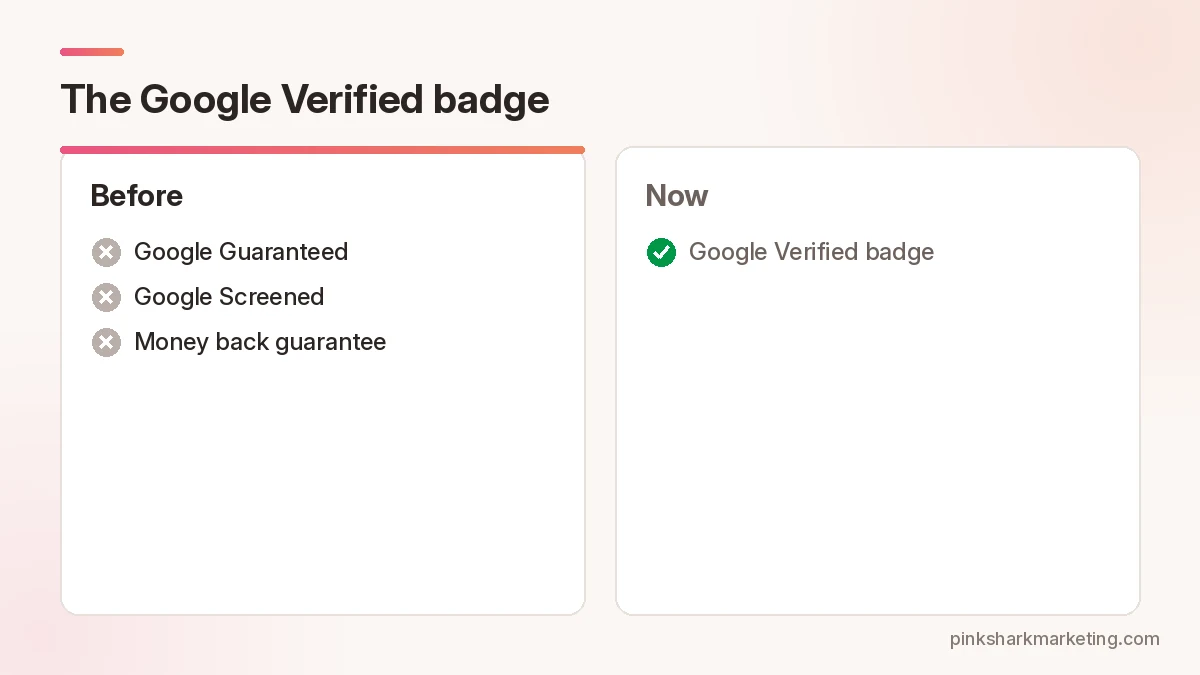
Since late 2025, Local Services Ads show one badge: Google Verified. It replaced the older Google Guaranteed and Google Screened badges. You earn it by passing the screening and verification checks for your category and area. Spending more won’t get it faster.
Google also ended the money back guarantee that came with the old Guaranteed badge. If your website or sales pitch still mentions it, take it out.
What weekly management looks like
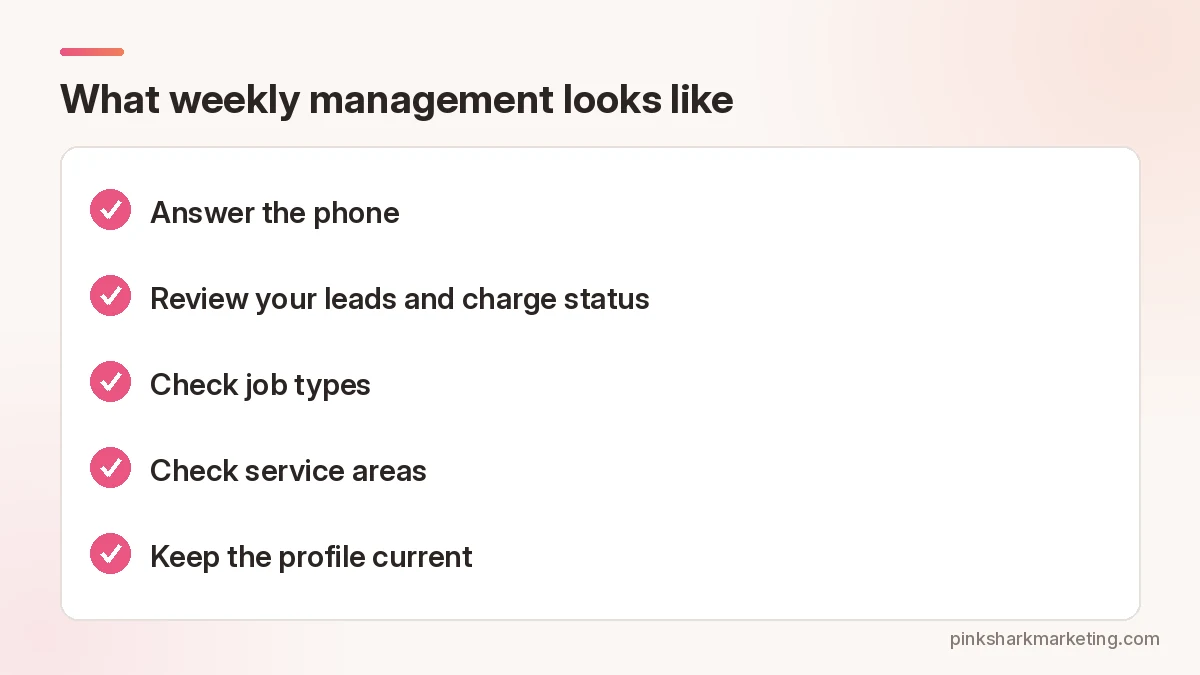
Here’s the routine that tends to keep LSA accounts healthy.
Answer the phone. Sounds silly. But responsiveness is one of the ranking factors Google actually names, so missed calls and slow replies to messages quietly push you down the list while competitors who pick up move ahead. Office closes at 5? Set your LSA hours to match.
Review your leads and charge status. The leads page shows whether each lead was charged, not charged, in review or credited. Google says it reassesses charged leads over 30 days and credits low-quality, duplicate or invalid ones on its own, which helps, but it won’t catch everything, and the ones it misses are usually the ones that annoy you most. If a lead was junk, like a sales call or a job you don’t offer, tell Google through that lead’s feedback survey. Credits aren’t promised.
One detail worth knowing: Google says a missed call during your business hours can still count as a lead if the caller stays on the line for more than 20 seconds. That’s another reason to keep your hours honest.
Check job types. If you stopped doing a service, turn it off. If you added one, turn it on. Leads for jobs you won’t take waste money. Customers hate it too.
Check service areas. Pull back from zip codes where you never seem to win work, or where your crew can’t realistically get there in time because of traffic, distance or both.
Keep the profile current. Hours, photos, license and insurance details. Expired insurance can pause your ads, and you might not notice for days if nobody’s watching the account, which is exactly the kind of quiet leak that weekly management is supposed to catch before it costs you a week of calls.
Want someone to manage your LSA and search campaigns together?
Our Google Ads team does both.
Reviews do a lot of the work
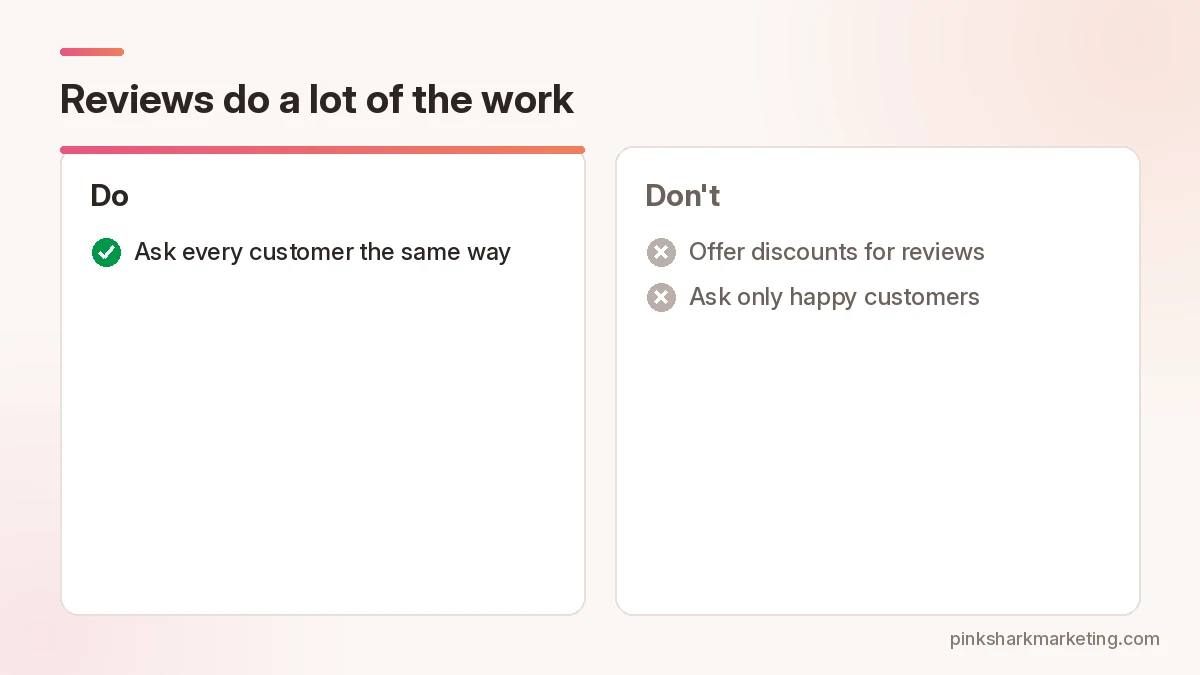
Your LSA ad shows reviews. Reviews feed ranking, and you can send customers a review link from your LSA account.
Ask every customer the same way. A simple link is fine. Don’t offer discounts for reviews, and don’t only ask the people you already know are happy, because Google’s review policy prohibits incentives and selective asking, and the FTC has rules on review incentives too.
Should you run LSA and search ads together?
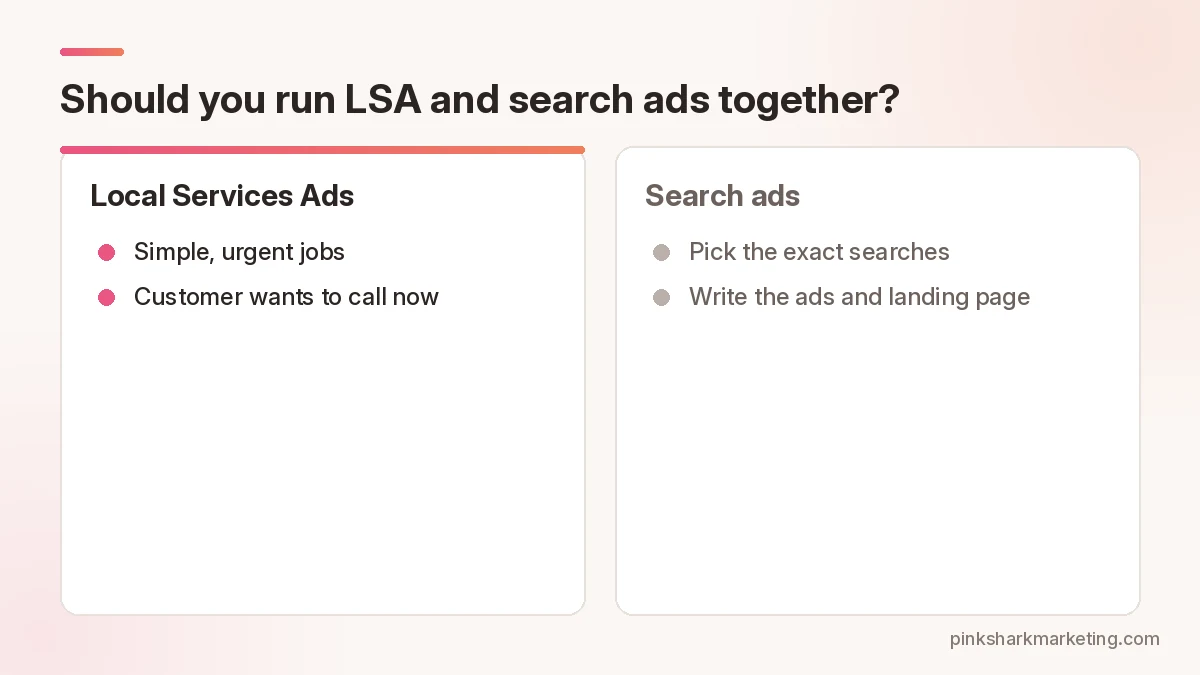
Often, yes, since they show in different spots and catch slightly different people. LSA tends to fit simple, urgent jobs where the customer wants to call someone trusted now. Search ads give you more control: you pick the exact searches, write the ads, and send people to a landing page for a specific service.
And running both lets you compare cost per booked job side by side, then shift budget toward whichever one is clearly cheaper for a given job type. Count booked jobs, though. Not leads.
A note on multiple locations
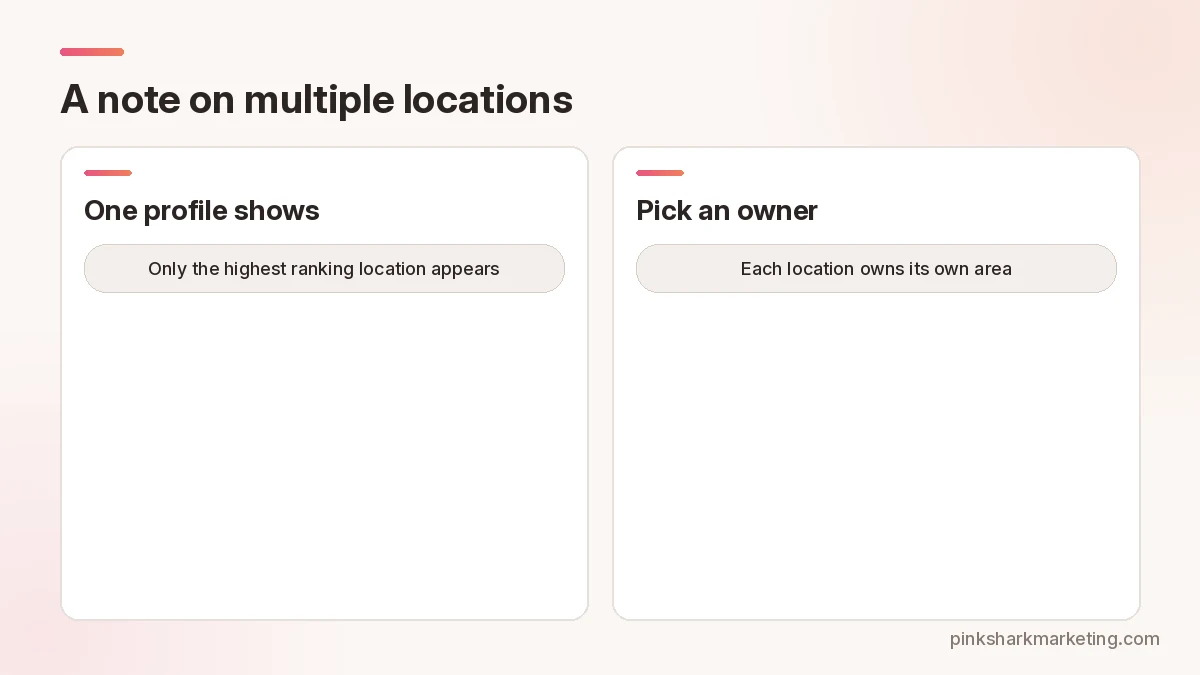
If you have two offices that cover the same towns, Google says only the highest ranking one will show for a given search. Two profiles won’t double your exposure. Pick which location owns which area.
Common mistakes
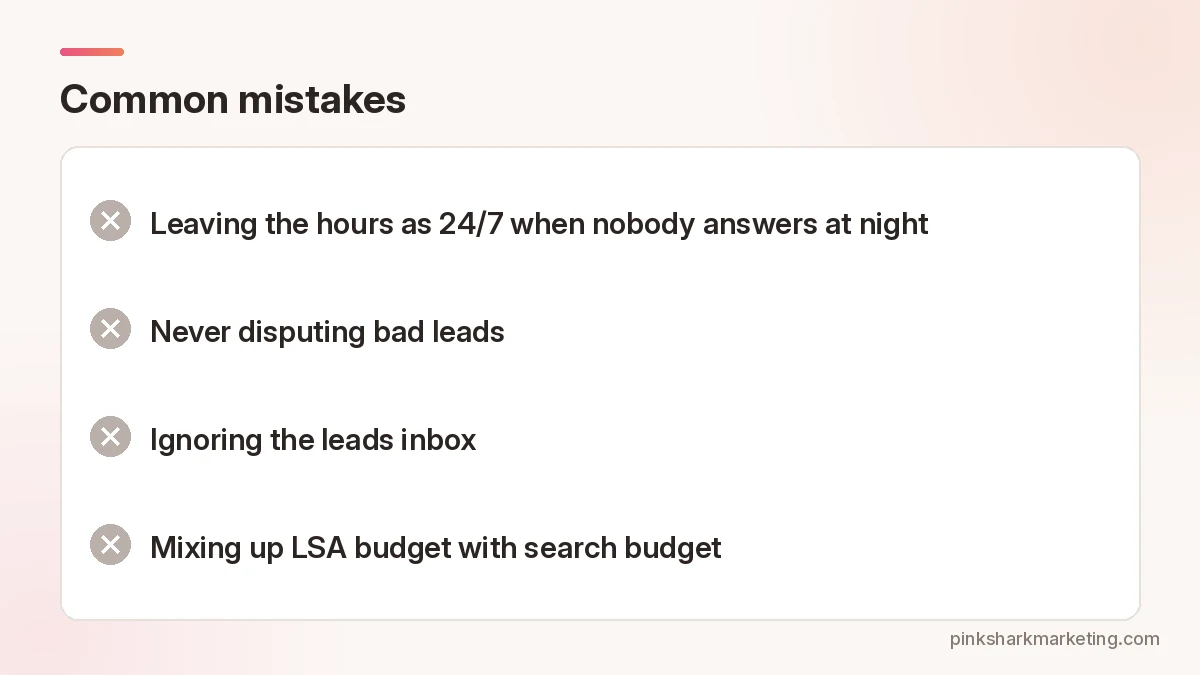
- Leaving the hours as 24/7 when nobody answers at night. You’ll pay for leads that go to voicemail and your responsiveness score can suffer.
- Never disputing bad leads. Over a year that adds up.
- Ignoring the leads inbox. Messages count as leads too, and a message that sits unanswered for a day can hurt you twice, once on the lost job and again on how responsive Google thinks you are.
- Mixing up LSA budget with search budget. Track them separately so you can see what each brings in.
Want to know if LSA fits your business?
Related reading: CRM automation for faster follow-up.
FAQ
How do I pay for Local Services Ads?
Google says you’re generally charged per lead, like a call or message, not per click.
What badge do Local Services Ads show now?
Google Verified. It replaced Google Guaranteed and Google Screened in late 2025.
Can I get credit for bad leads?
Google reviews charged leads over 30 days and credits some automatically. You can also flag poor leads in the feedback survey.
Do I need reviews to run LSA?
Yes, pretty much. They help where you rank and how the ad looks, so send every customer the same link.
Can I choose keywords in LSA?
Nope. You pick job types and service areas. Google does the matching.