SEO
How to Ask Customers for Google Reviews Without Breaking the Rules

Most happy customers never leave a review. Not because they don’t want to. Usually nobody asked, or somebody did ask and they fully meant to do it, then the kids needed dinner and the dog got out and the whole thing slipped their mind by bedtime.
Reviews matter for local search, since Google says prominence is one of the things that decides local ranking, and review count and score are part of that. Reviews also help the next customer decide whether to call you or the company below you.
Worth asking, then. But there are real rules here, from Google and from the FTC. Here’s a plain way to ask that stays inside them.
The rules, in short
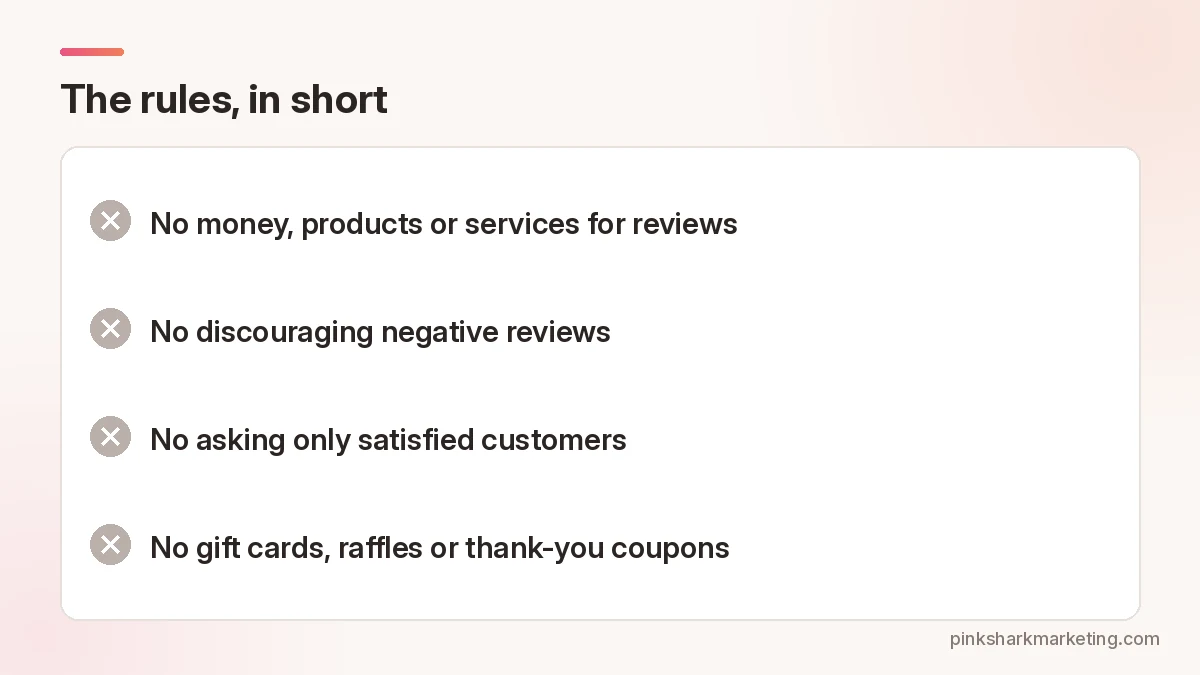
Google’s policy for Maps reviews says businesses shouldn’t offer or accept money, products or services in exchange for reviews. It also says you shouldn’t discourage negative reviews or ask only satisfied customers, and that last one trips up a lot of well-meaning owners who think they’re just being smart about who they ask.
The FTC’s Consumer Reviews and Testimonials Rule took effect on October 21, 2024. Among other things, it bans offering incentives that are conditioned on the review saying something positive or negative. It also bans fake reviews and certain kinds of review suppression, like threatening people to stop a bad review.
Here’s the wrinkle, and it’s an easy one to miss. The FTC’s Q&A says a neutral incentive (one that doesn’t depend on what the review says) isn’t banned by that rule. Google’s stricter, though, so for Google reviews just skip the gift cards, raffles and thank-you coupons entirely and save yourself the headache of figuring out which side of which line you’re on.
Obviously we’re marketers, not lawyers. Ask yours if you’re unsure.
Step 1: Get your review link
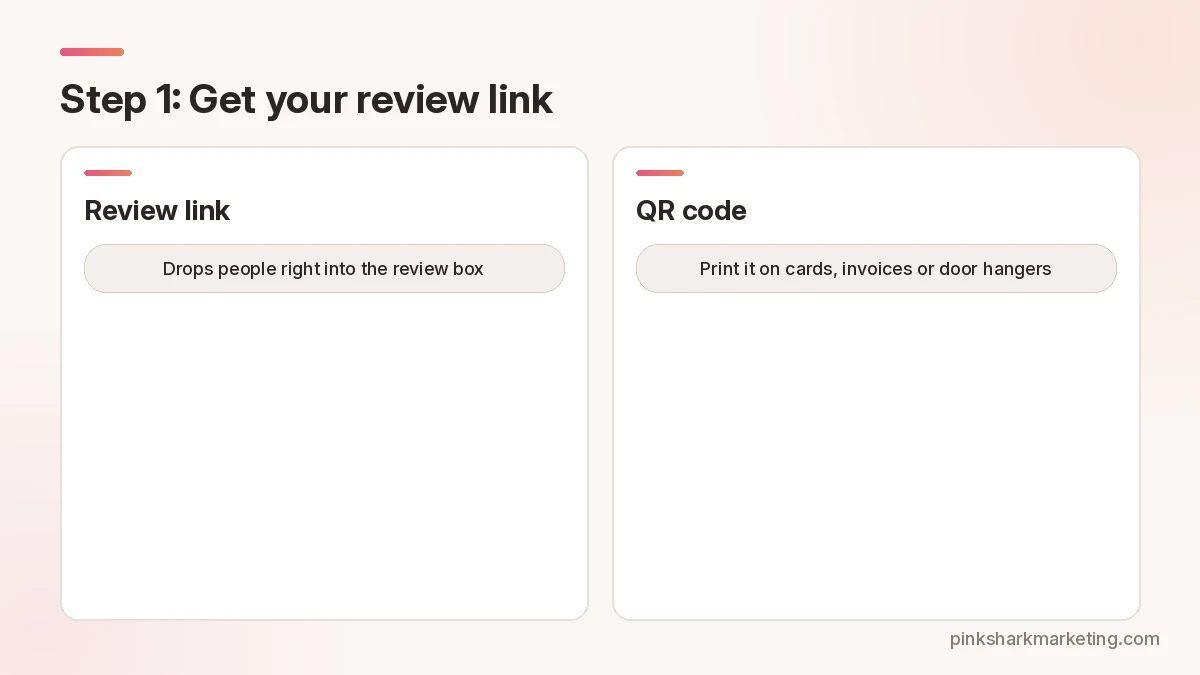
Inside your Business Profile there’s an option to ask for reviews (Google sometimes moves it around). It spits out a short link that drops people right into the review box. Copy it. Then stick it somewhere the whole crew can grab it fast, like a pinned note in the team group chat or a saved text on the work phones. Test it on your own phone first, logged out, so you see what customers see.
Free QR generators will turn it into a code you can print on cards, invoices, door hangers, even the side of the truck if you want, though nobody’s scanning a moving van on the freeway.
Step 2: Ask everyone, the same way
Best time? Right when the job wraps and the customer’s still looking at the thing you fixed, while they’re relieved and the water heater is humming again. And ask everybody. Yes, even the grumpy guy.
Google’s rules say no cherry-picking, so asking everyone keeps you clean, and it gives you a more honest picture of how the business is really doing, warts and all.
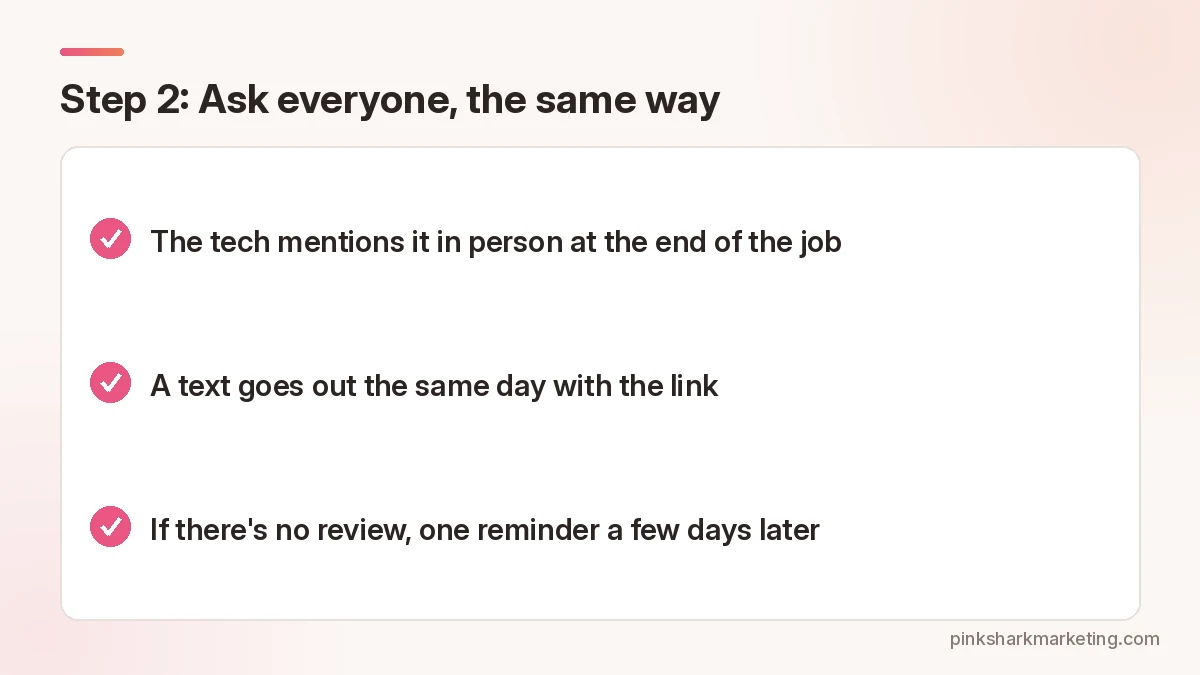
Keep it simple:
- The tech mentions it in person at the end of the job.
- A text goes out the same day with the link.
- If there’s no review, one reminder a few days later. Then stop. Seriously.
Most CRMs can send the text automatically when a job’s marked done.
Step 3: Keep the message short

Nobody reads long texts. Try this:
“Hi Dana, thanks for having us out today. If you have a minute, would you leave us a Google review? It helps other people in the area find us. [link] Thanks, Marco at [Business].”
That’s it. No offer. No “please leave five stars.” Just thanks and a link.
Want review requests to go out on their own after each job?
We build that into CRM automations.
Who should ask?
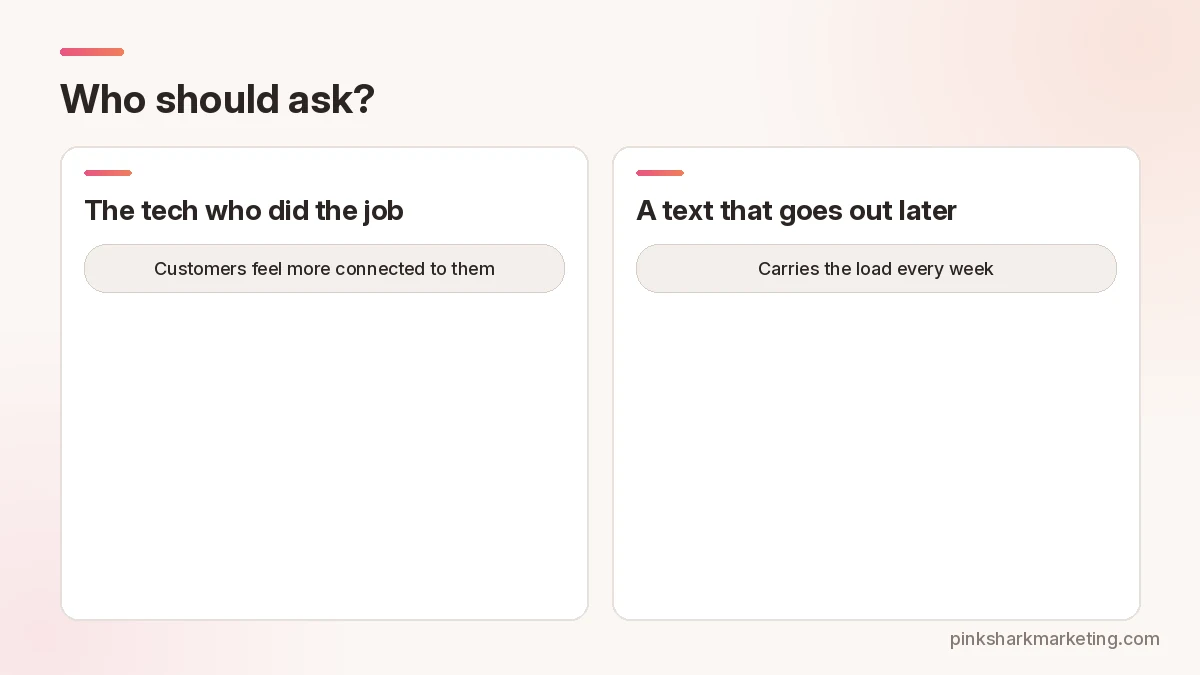
The person who did the work, if you can. Customers feel more connected to the tech who fixed their heater. A quick “if you were happy with today, a review really helps me out” lands better than an email from a no-reply address.
Techs forget, though. Some flat-out hate asking, and you’ll never change that, so the in-person ask is a bonus and the text that goes out later is what actually carries the load week after week. Some owners keep a tally of who’s asking and bring it up at the Monday meeting. Fine. But paying techs per five-star review is where it goes wrong, since now they’ve got a reason to lean on people or skip the cranky ones.
Where to put the link
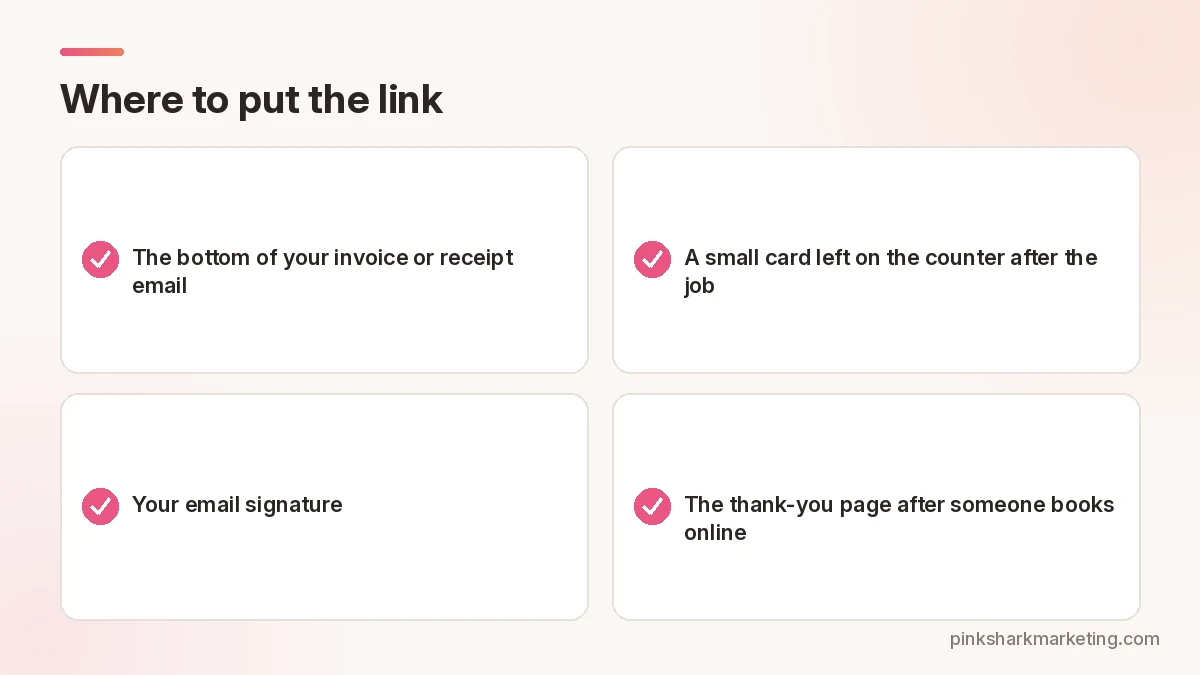
Other places it can work:
- The bottom of your invoice or receipt email.
- A small card left on the counter after the job.
- Your email signature.
- The thank-you page after someone books online.
One link only. Don’t make folks pick between Google, Yelp and Facebook, because the moment you give a busy person three choices, a lot of them pick none and close the text.
Step 4: Reply to reviews, good and bad
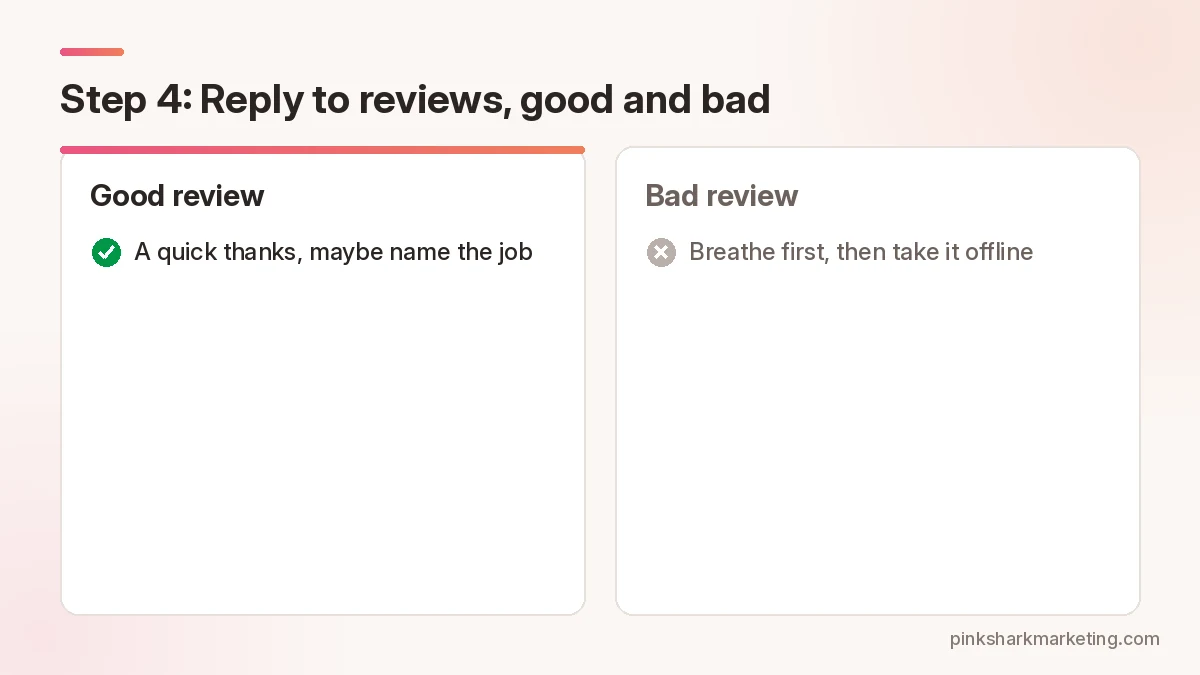
Google wants you to reply, and customers read those replies more closely than you’d guess, especially the ones under bad reviews, because that’s where they figure out how you treat people when things go sideways. Good review? A quick thanks, maybe name the job. Bad one? Breathe first, and don’t fight it out in public, since nobody reading has ever thought better of a business that argued with a customer, so just give them a number to call and take it offline.
And never put a customer’s private info in a reply, even if they were flat-out wrong.
If a review is fake or breaks Google’s policy, like spam or a review from someone who was never a customer, report it. Google decides. A review that’s just negative, even one that feels unfair and stings for a week, isn’t against the rules, and flagging it over and over won’t make it go away.
What to avoid
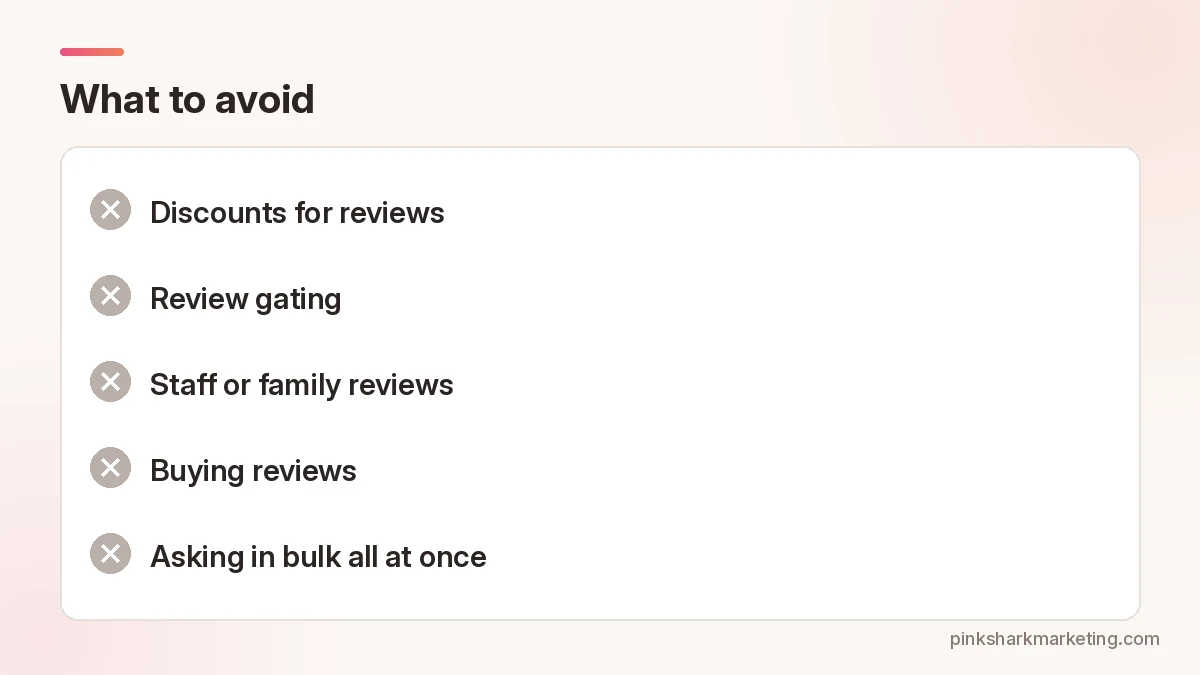
- Discounts for reviews. “10% off your next service if you leave a review” breaks Google’s policy.
- Review gating. Sending a survey first and only passing the happy people to Google.
- Staff or family reviews. Google treats conflicts of interest as a policy problem.
- Buying reviews. Banned by Google and by the FTC rule.
- Asking in bulk all at once. A sudden flood of reviews from an old list can look odd. Steady wins.
How long until it shows?
Most appear pretty fast. Some vanish into Google’s filters, and a customer will swear they posted one you can’t find anywhere. Not much you can do. Shrug, say thanks anyway, and ask the next person. Whatever you do, don’t ask them to post it again three times. That can look like spam to the filter too.
It’s a slow pile. No magic number. Keep going.
Pink Shark helps local service businesses with SEO.
Want help with your Google Business Profile?
Related reading: contact our team.
FAQ
Can I offer a discount for a Google review?
Not for Google reviews. Their policy bans money, products or services in exchange.
Can I only ask my happy customers?
No, that’s against Google’s policy. Everybody gets asked.
What did the FTC rule change?
Since October 21, 2024, the FTC bans fake reviews and incentives tied to a positive or negative review, among other things.
Should I reply to bad reviews?
Yep. Keep it short, keep private stuff out, offer a phone call.
Can I get a bad review removed?
Only when it breaks a Google policy. Report it and Google makes the call.
Want a second set of eyes on your marketing?
Tell us about your business and we’ll set up a strategy session.