SEO
Google Business Profile Suspended? Here’s the Order to Work In
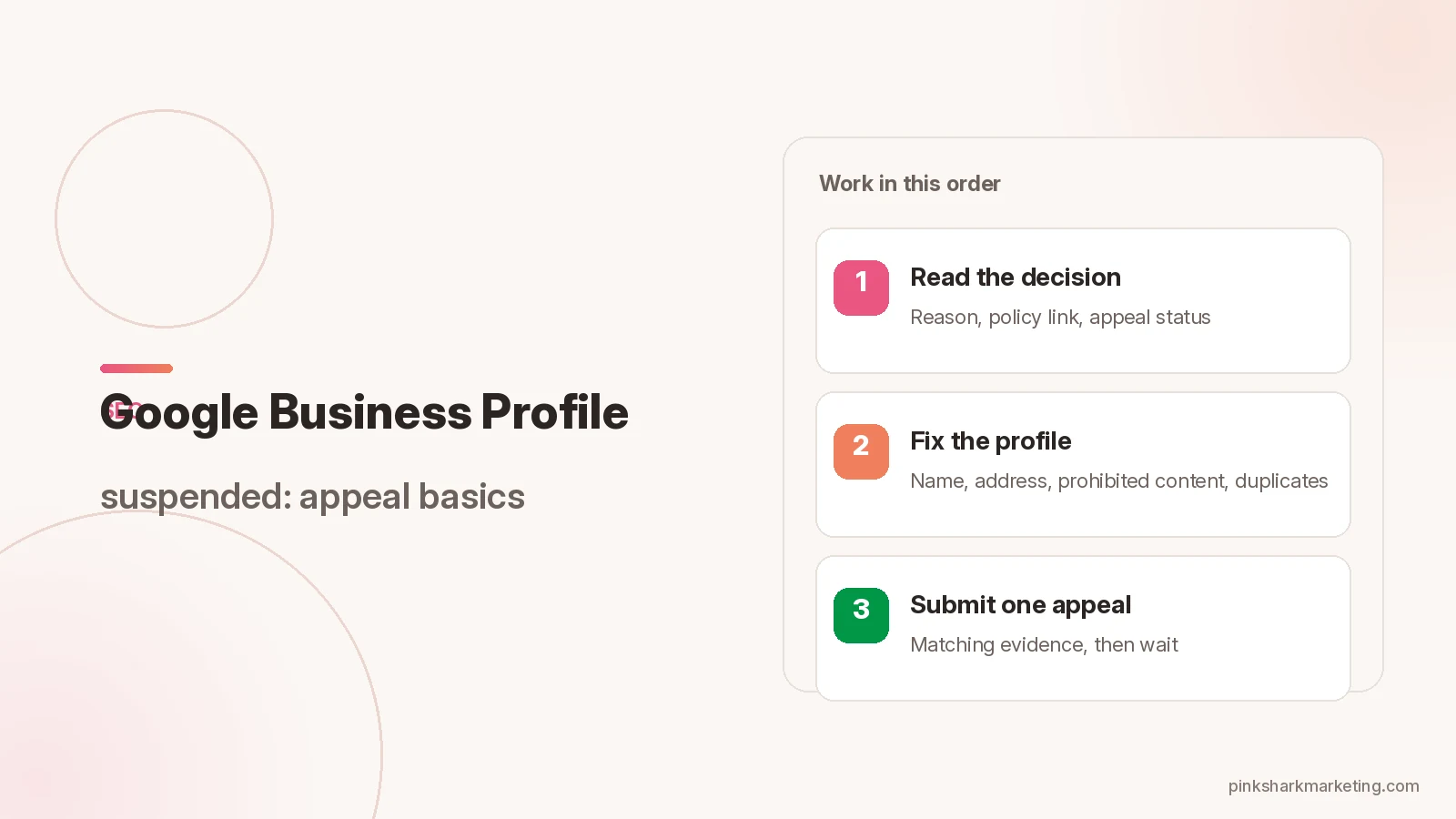
A Google Business Profile suspended notice usually arrives with no warning. The listing may shrink in Search and Maps, or it may vanish. Either way it’s a policy and verification problem, not a ranking one. Read the decision, fix whatever breaks the guidelines, then file one complete appeal with evidence that matches the profile.
Google’s reinstatement Help page rules out opening a second profile for the same business while the first one is suspended, since duplicates tend to make things harder to unwind.
Read the Google Business Profile suspended decision first
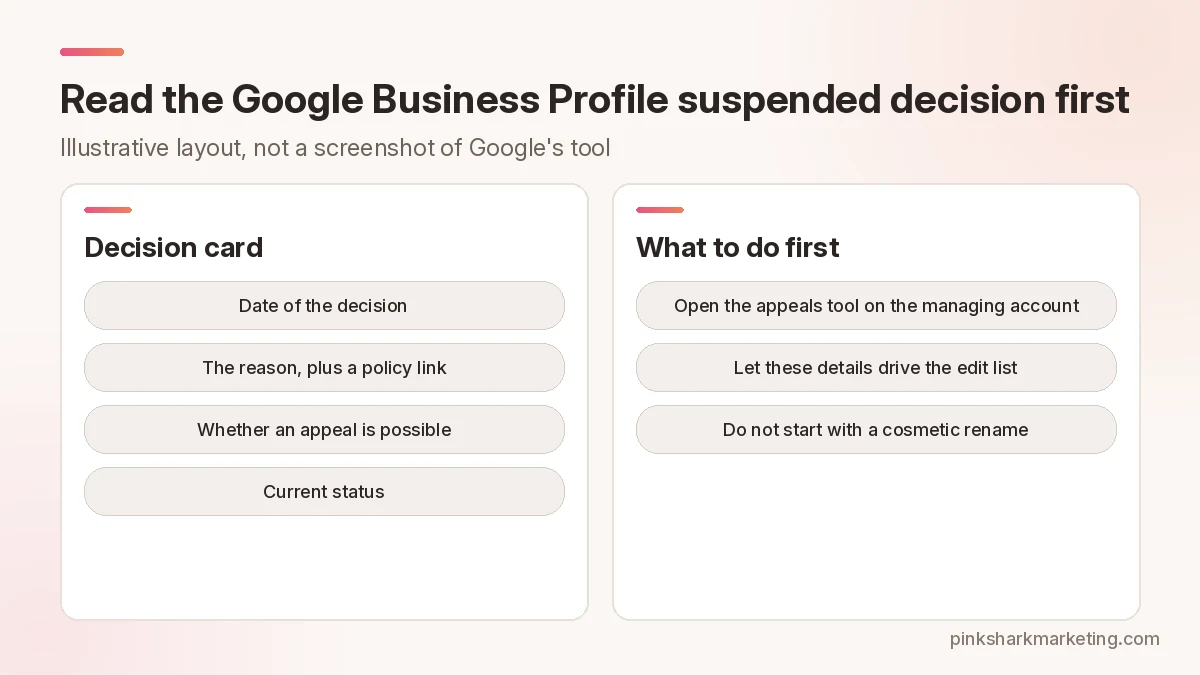
Open the appeals tool from the Google account that manages the profile. That’s where the decision lives. You’ll see its date, the reason, a link to the policy that was violated, whether an appeal is possible, and the current status.
Those details should drive your edit list. If the listed policy is still failing after a cosmetic rename, you’ve used up the one appeal Google allows for that decision.
Audit the profile against Google’s guidelines
Google can suspend or disable a profile that breaks its guidelines, so audit yours before appealing. The trouble spots are the business name, the accuracy of the address or service area, prohibited content, and duplicate profiles for one business. Give prohibited content its own pass through everything visible on the profile.
Treat Google’s guidelines for representing your business as the checklist. They say to use the name the business is consistently known by in the real world, and to keep the address or service area precise. They also call for the fewest categories that still describe the core business, and for one profile per business.
An account restriction is its own problem. If that’s behind the suspension, the Business Profiles you manage can be suspended too, and creating or claiming others may not be possible. Google’s fix suspended or disabled profiles page points you to My accounts for the restriction appeal. Even once it’s lifted, a separate profile appeal can still be needed to clear the Business Profile suspension.
Gather evidence that matches the profile exactly
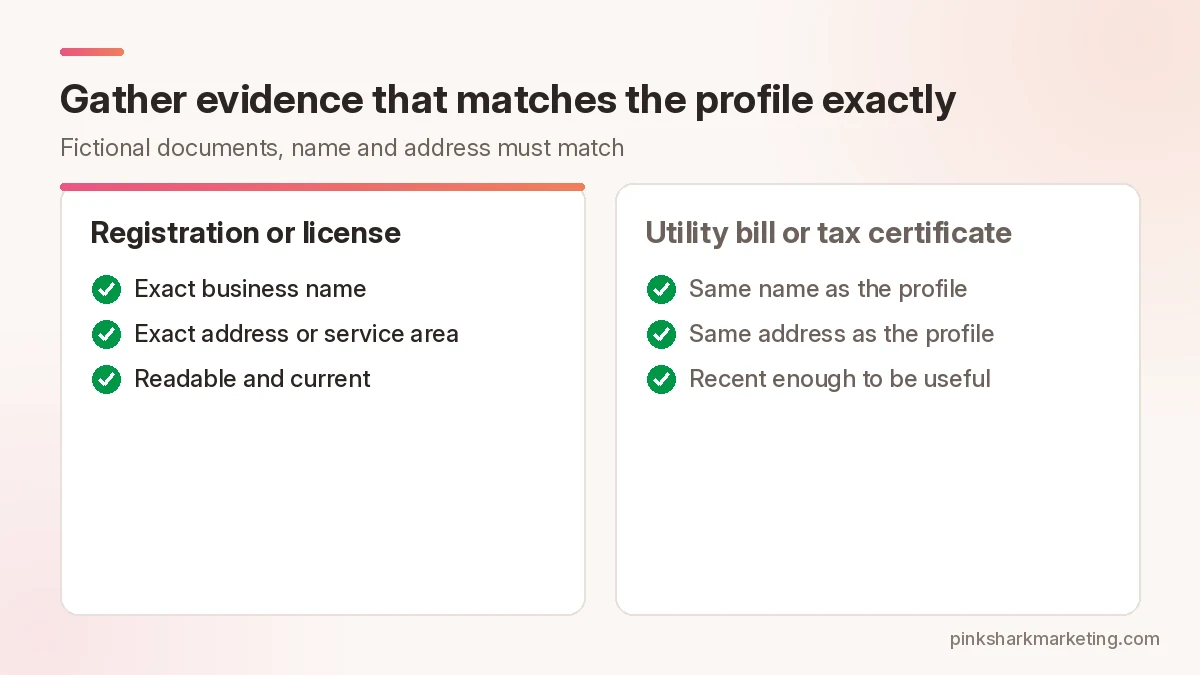
Evidence is optional in the appeals tool, but on an eligible appeal it can strengthen the case. Examples from Google include official business registration, a business license, tax certificates, and utility bills for electricity, phone, water or internet.
Then check every document against the profile. The business name and address on each one have to match what you’re appealing. A mismatched letterhead, an old DBA, a home address that isn’t the listed one: any of them weakens the packet, even for a legitimate business.
Line up the files before you reach the submit flow. An appeal can be submitted only once for that decision, so there’s no sending part of the packet and adding the rest later.
Submit one complete appeal
Google’s reinstatement steps run in this order. Begin at the appeals tool. The related Google account has to be the one you’re signed into, and if it isn’t, switch accounts. Next, select the Business Profile and continue, then select the decision you want to appeal and continue. After that you can upload supporting evidence and explain why the profile should be reinstated. The last move is ticking the confirmation box and submitting.
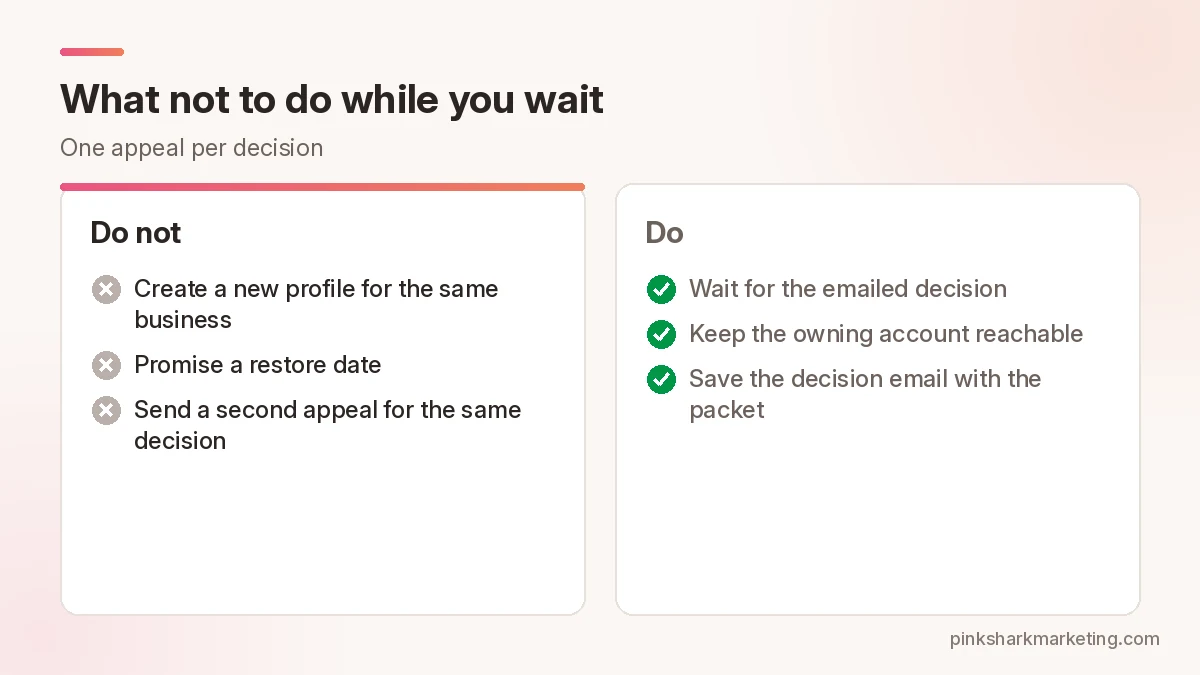
Then Google reviews the appeal and emails its decision, so hold off on more appeals for the same issue until it lands. The related content and profile restrictions appeal page also notes that reviews and decisions can take up to 5 business days.
Managing over 10 suspended locations changes the path. The tool may ask about bulk reinstatement, and Google then asks for a spreadsheet of Business Profile IDs plus supporting documentation, with names and addresses matching registration.
What not to do while you wait
Skip the new profile and the personal-account workaround for the same storefront, and leave the live fields alone if editing them would contradict the documents you’ve just uploaded.
If the first appeal isn’t approved, follow Google’s documented next step for that account and region. Don’t invent a new listing. Community threads sometimes mention extra review forms, and those are fair as secondary paths, but only when Google’s Help still points to them. Use the same matching evidence package throughout.
Here’s a made-up case, not a client. A one-location garage-door company changes its name, and the new name stops matching the state registration on file. The profile gets suspended. The owner fixes the profile name to match the registration, attaches the registration along with a recent utility bill carrying the same name and address, and files a single appeal. It follows the Help guidance, but nobody should read it as a guarantee that appeals get approved.
Check verification and ownership first
Before a third rename, find out which Google account owns the profile and whether verification is intact. Google’s content and restrictions appeal page says to check verification status before you appeal. Profiles that aren’t verified may not show content as expected across Google.
Old access requests are another loose end. If different people asked for access over the years, tidy up managers once reinstatement comes through. While the appeal is open, keep the owning account reachable, because that’s where Google’s email decision goes.
Evidence package checklist
Build the folder before you open the appeals tool. It needs:
- A current screenshot of the profile showing the exact name, address or service area, and categories.
- The registration or license, with the profile’s exact name and address on it.
- One recent utility bill or tax certificate carrying the same name and address.
- A short explanation that maps each reason in Google’s Help to the fix already made.
File names should be clear. Unrelated marketing decks don’t belong. Even optional evidence has to be readable and matched.
A business that moved needs documents and a profile that tell the same story. No logo refresh will fix a suspension tied to address accuracy.
Bulk and multi-location notes
Don’t improvise ten separate, incomplete appeals across many locations. Google’s reinstatement Help lays out a bulk path for more than 10 suspended profiles: the tool asks whether you want bulk reinstatement, then expects a spreadsheet of Business Profile IDs plus supporting documentation.
Even there, each location’s documents need to match that location. One license pasted over mismatched addresses just creates fresh trouble.
Communicate internally without promising dates
Staff and media buyers should hear that the listing is under review. Pause anything that treats the Maps listing as the main trust signal until reinstatement is confirmed. Skip promising customers a restore date. Google’s Help cites up to 5 business days of review for related appeals, and outcomes vary, so any date is a guess.
Save the decision email with the evidence packet when it arrives. Approved or not, it’s useful for the next review.
After reinstatement
When the profile is back, go through categories, hours, services and photos against the real-world business. Keep the documentation packet stored so a future review moves faster. Paid campaigns come next: if they depended on the listing, landing pages and call tracking have to match again before you raise spend.
For broader Google Ads lead handling after that, look at Google Ads management or contact Pink Shark.
FAQ
Why was my Google Business Profile suspended?
Open the appeals tool for the specifics: it shows the reason and a link to the related policy for the decision you select. As a rule, Google may suspend or disable profiles that don’t follow its guidelines.
Can I create a new Google Business Profile while mine is suspended?
A second profile for the same business is off the table while this one is suspended. Google’s reinstatement Help says not to create a new Business Profile for it.
What evidence helps a suspension appeal?
Google lists business registration, a business license, tax certificates and utility bills as examples, and the name and address on them should match the profile.
How many times can I appeal?
Once per decision. Per Google’s appeals tool, an appeal can only be submitted once for a decision. So prepare the evidence before you submit, wait for the emailed decision, and don’t send repeat appeals for the same issue.
Want a second set of eyes on your marketing?
Tell us about your business and we’ll set up a strategy session.