SEO
Service Area Pages SEO: A Checklist for Pages That Aren’t Thin
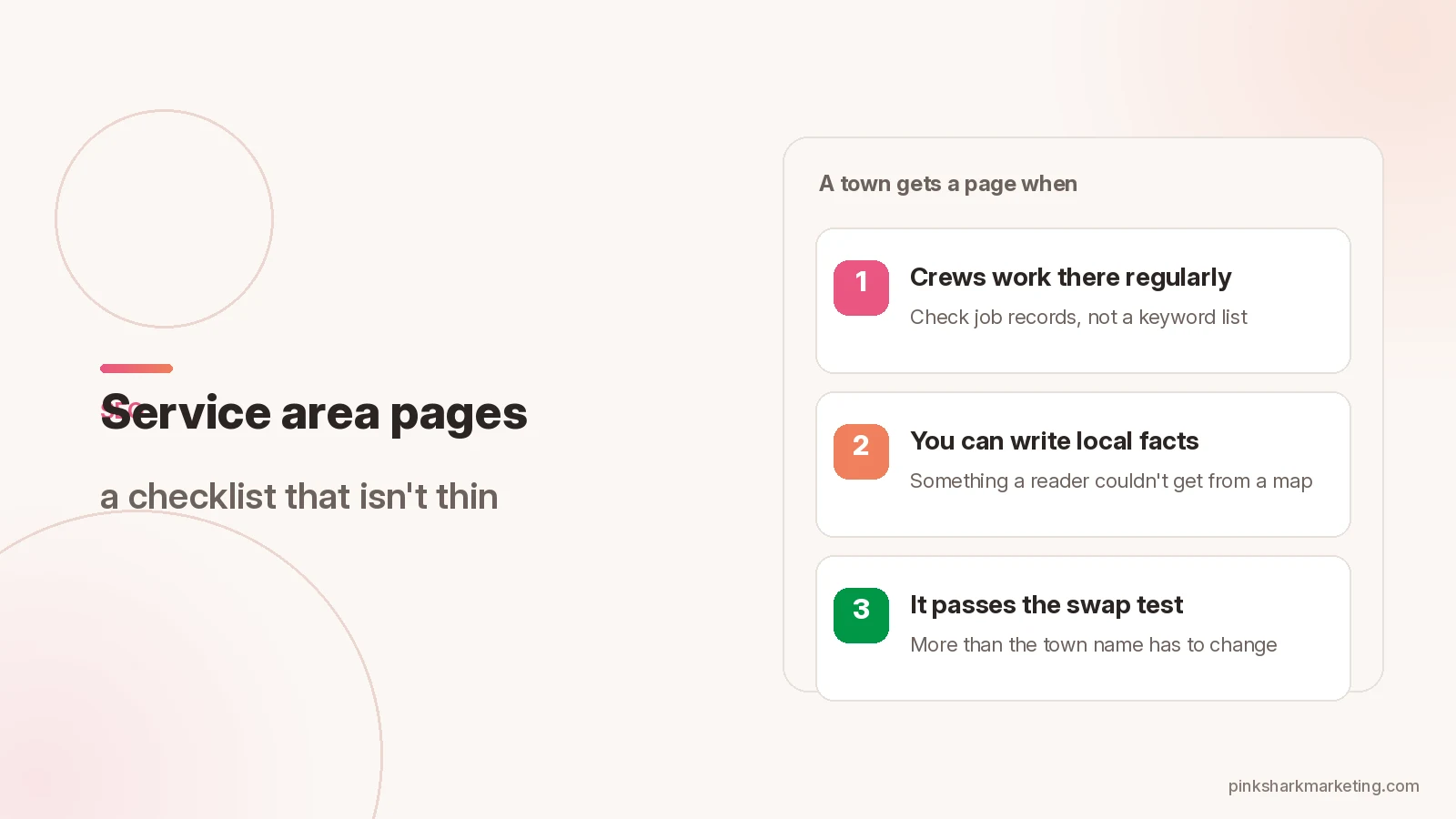
Service area pages SEO goes wrong the same way most of the time. A business serves many towns, so it clones one page for each town and swaps the name. The pages look different to the CMS and identical to a reader.
This checklist covers what Google’s spam policies say about city pages, how to pick which towns get a page, and what each page needs to hold. It’s written for businesses that travel to customers: plumbers, roofers, cleaners, HVAC crews.
What the spam policies say about city pages
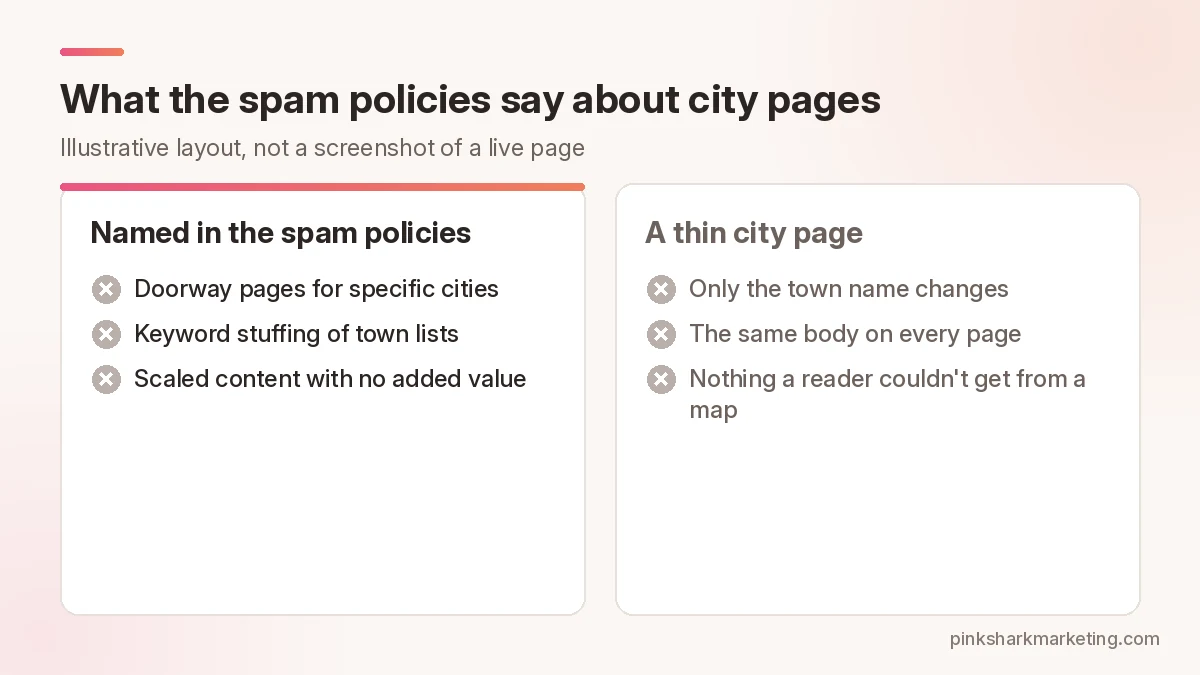
Start with the doorway policy. Doorway abuse is “when sites or pages are created to rank for specific, similar search queries” and lead users to intermediate pages that aren’t as useful as the final destination. The policy’s examples include:
- Multiple domain names or pages targeted at specific regions or cities that funnel users to one page.
- Generating pages to funnel visitors into the usable part of a site.
- Substantially similar pages that are closer to search results than a clearly defined, browseable hierarchy.
Two neighboring policies matter as well. Keyword stuffing lists “blocks of text that list cities and regions that a web page is trying to rank for.” Scaled content abuse covers many pages generated mainly to manipulate rankings. Its examples name generative AI tools used to produce many pages without adding value for users.
The consequence is stated plainly. Sites that violate the policies may rank lower or not appear in results at all.
The helpful content guidance supplies the test to hold your own pages against. One question asks whether the content provides substantial value compared with other pages in search results. Another asks whether it’s primarily made to attract visits from search engines.
Pick towns from your service area, not from a keyword list
Start with the Business Profile, because it already forces a decision. A service-area business gets one profile for the whole area. You can list up to 20 service areas by city, postal code or other area. The boundary shouldn’t stretch past about 2 hours of driving time from where the business is based. Entries should be specific and accurate.
Use that list as the ceiling for pages, not the target. A town gets its own page only when both of these are true:
- Crews complete jobs there on a regular basis. Check job records, not hopes.
- You can write something about the work there that a reader couldn’t get from a map.
Towns that fail the test go on a hub page. Put the service area on one page. Keep the list short and readable, and tie it to something useful such as a map or a note on how dispatch works. A wall of town names works against you. Blocks of text that list cities a page is trying to rank for are a named keyword stuffing example.
One more point on expectations. Business Profile local results rely mainly on relevance, distance and prominence, and there’s no way to request or pay for a better local ranking. A city page lives on your website. It doesn’t change where your business is based.
Service area pages SEO checklist: what each page needs
- A service list that matches the jobs you really do in that area. Same services as the main site, no extras added for coverage.
- Facts a competitor couldn’t copy from a map. Name the neighborhoods you reach. If permits or inspections apply to the work, link the city’s own page for them.
- Photos from jobs in that area. Check with the customer before naming a street.
- Reviews from customers in that area, quoted with permission. Real ones only.
- Questions your staff hear from people in that town, answered in a short FAQ.
- The same phone number and form as the rest of the site, one clear call to action.
- A link up to the hub page and across to the service pages. Link to a neighboring town only where you serve both.
- A URL and title that name the service and the town once each.
- An owner and a review date, so the page doesn’t sit untouched for years.
What to leave off matters as much as what goes on:
- A made-up local address, or a virtual office in each town. The profile guidelines allow a virtual office for a service-area business only when it’s staffed during business hours, and they rule out remote mailboxes.
- Town lists repeated in the footer or sidebar of every page.
- The same testimonial pasted onto every city page.
- Reviews or photos you can’t tie to that area.
- A stock “serving the town of…” paragraph copied from page to page.
The swap test
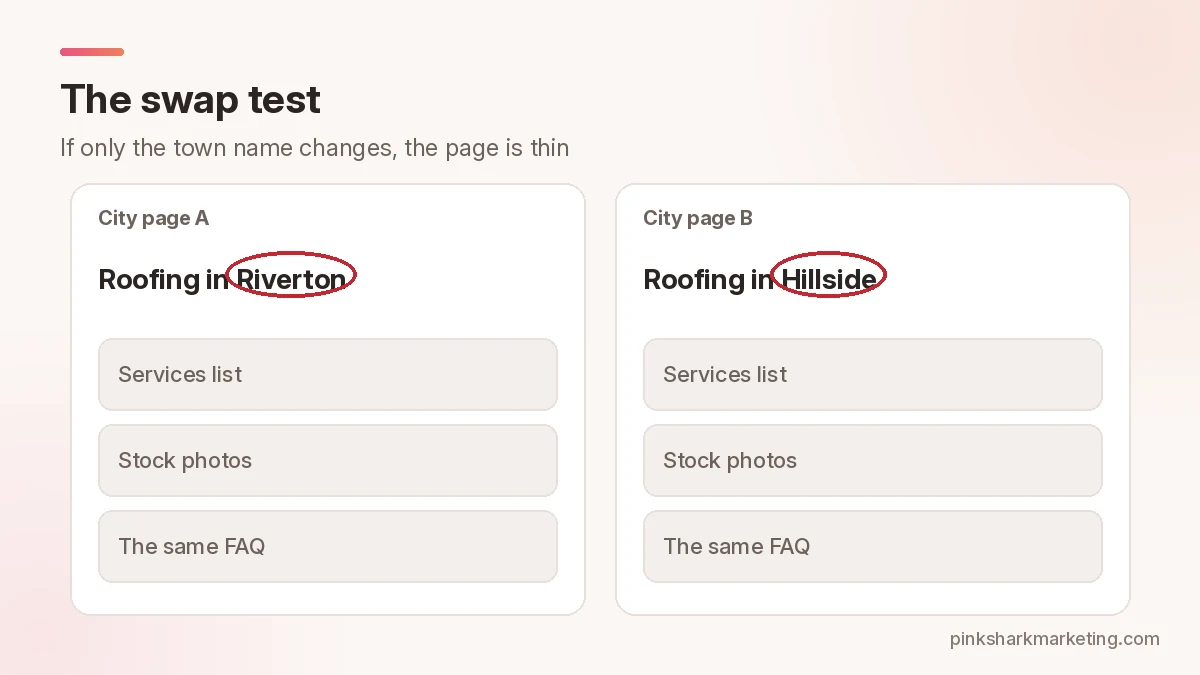
Copy a finished city page into a document. Replace the town name with another town you serve. If nothing else has to change, the page is thin. The reader learns nothing from it that the hub page doesn’t already say, and it resembles the substantially-similar-pages example in the spam policy.
Fictional example, not a client: a roofing company serves several suburbs. It checks job records and finds regular work in three of them. It writes three pages that pass the swap test, each with local photos, a short FAQ and the right permit link. The other suburbs go on a hub page with a short list of towns served and a contact form.
Fixing thin pages you already have
Before touching anything, pull two numbers for each thin page: visits from search and calls or forms that came from it. A page that produces leads gets rewritten first. A page that produces nothing is a candidate for consolidation.
There are two ways forward.
Rewrite it. Run the page through the checklist above. Add the missing facts, photos and questions, or cut the page if you can’t.
Consolidate it. Merge several thin pages into one hub page and redirect the old URLs to it. The spam policy lists “consolidating several pages into one” among legitimate reasons to redirect. Send each old URL to the matching section of the hub, not to the home page, and ask the developer to set the redirects up one by one.
Don’t use AI to fill the gaps. Scaled content abuse is about generating many pages without adding value. A page that reads like every other city page is the problem you’re fixing.
If you’d like a second set of eyes on a set of city pages, see local SEO services or contact Pink Shark.
FAQ
How many service area pages do I need?
One for each town where you can write something specific and true. Google’s documents give no number. The Business Profile limit of 20 service areas is a ceiling for the profile, not a page target.
Can I use the same template for every city?
A shared layout is fine. Shared text with only the town name swapped looks like what the doorway and scaled content policies warn about, though the policies don’t name this exact case.
Does a city page help me show up in the map pack?
Local results on a Business Profile rank mainly on relevance, distance and prominence. Prominence draws on things like links to your business and reviews, and Google’s page doesn’t say whether city pages affect the map pack. A page on your website doesn’t change where your business is based. Build city pages for web search and for the people who land on them.
Can AI write my city pages?
Using generative AI tools to produce many pages without adding value is a named example of scaled content abuse. A page with real job photos, local facts and answers from your own staff adds value. Generated filler with a new town name doesn’t.
Want a second set of eyes on your marketing?
Tell us about your business and we’ll set up a strategy session.